
30 × 40 mm · 480 × 640 px (3:4 JPEG)
Student ID & Employee Badge Photo Guide (30×40mm) — Unlimited Retakes
You'll carry your university student ID or company badge for years. Take unlimited retakes at home with subtle brightness retouching, clean backgrounds, and instant 3:4 JPEG export.
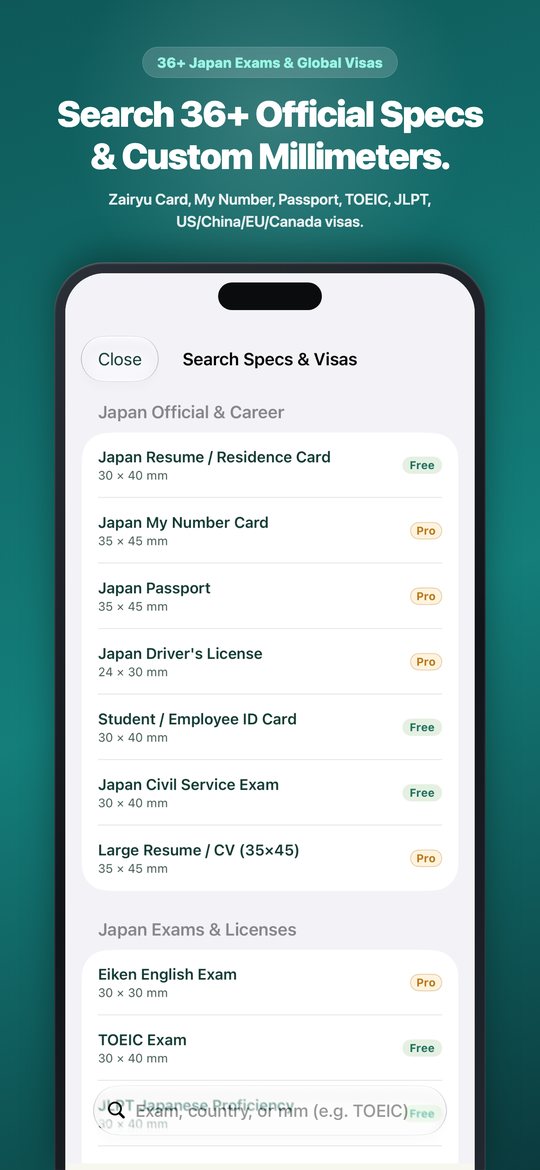
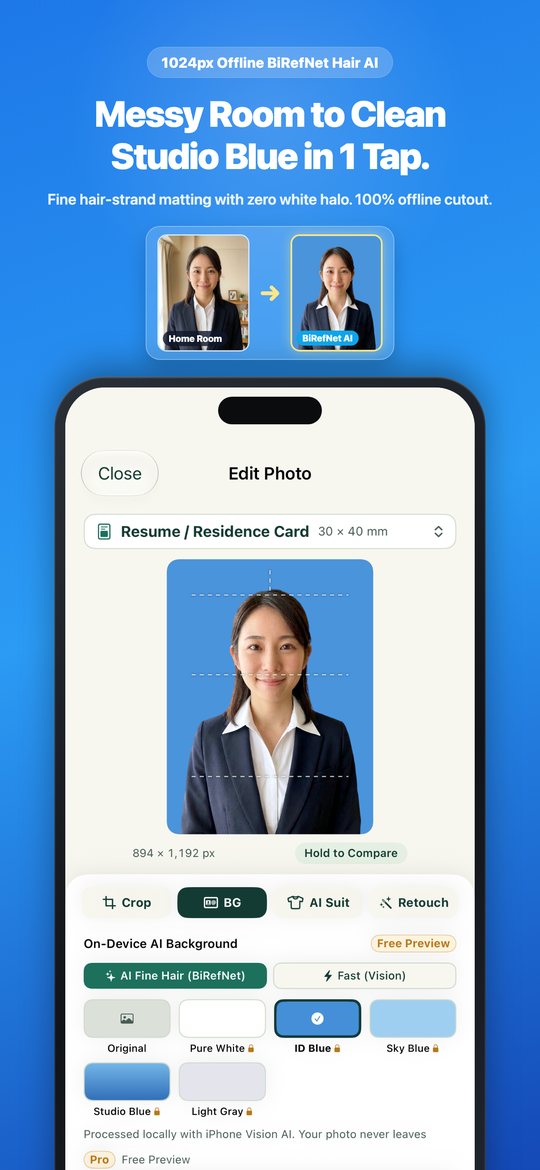
Official Photo Specifications Summary
| Physical Print Size | 30 × 40 mm |
|---|---|
| 300 dpi Print Pixels | 354 × 472 px |
| Online / Digital Upload Spec | Most university & HR portals require 3:4 JPEG (480×640 to 600×800px) under 500KB–2MB |
| Head Height & Margin Rules | Frontal chest-up shot with balanced top & side margins for portal auto-cropping |
| Background, Attire & Glasses | Clean white, light blue, or soft gray background; shirt or business suit recommended for employee badges |
| Recency Requirement | Recent photo taken within 3 months of enrollment or onboarding |
| L-Size & 4×6 Sheet Tiling | 4 copies on Japan L-size (¥30–40) / 6 copies on 4×6 in (4R) |
Common Rejection Mistakes & How to Avoid Them
- Close-range wide-angle selfie distortion → step back 1m at eye level with self-timer
- Yellow indoor lighting making skin look dull → use subtle white-balance retouch
- Exceeding portal KB caps (200KB/500KB) → use the free KB compressor below
🛠️ Resize & Compress Free in Your Browser (Zero Upload)
Crop to exact 30 × 40 mm (480 × 640 px (3:4 JPEG)) and compress under the KB cap locally in your browser. For AI background replacement, 12 formal AI suits, and ¥30 konbini sheets, get the app.
Frequently Asked Questions
Do Japanese universities accept smartphone photos for student IDs?
Yes—most universities now encourage online smartphone uploads as long as lighting and background are clean.
Can I add a business suit for my company badge?
Yes! Ouchi ID Photo includes 12 formal AI suit styles while keeping your real face and hair 100% intact.