
30 × 40 mm · 480 × 640 px (3:4 JPEG)
Gyoseishoshi Exam ID Photo Specs (30×40mm) — Web & Mail Guide
Gyoseishoshi online filing requires a clean vertical 3:4 JPEG, while mail filing uses 30×40mm prints. Prepare both in minutes without visiting a photo booth.
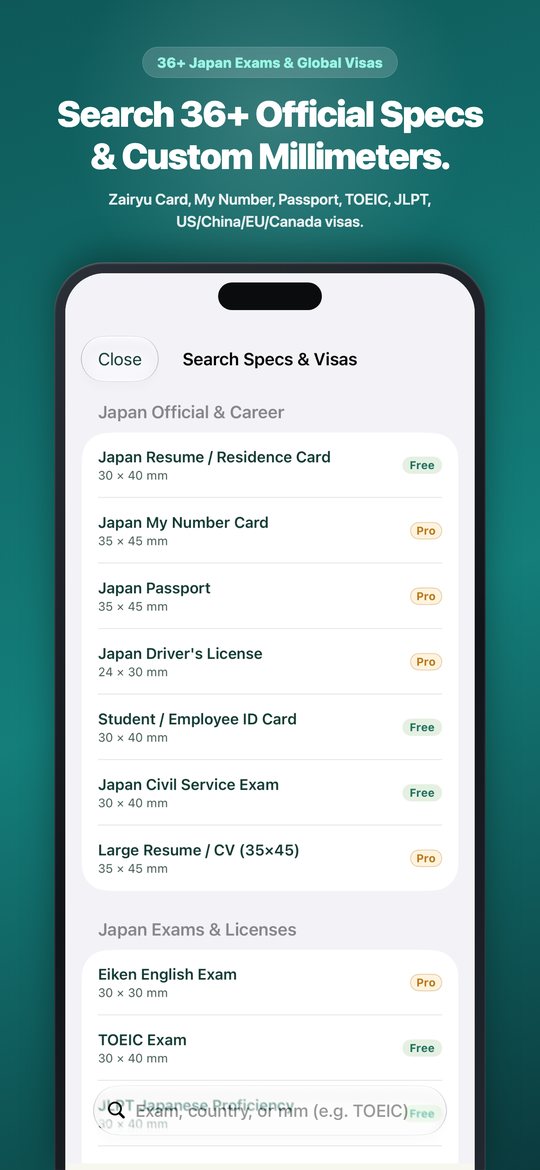
Official Photo Specifications Summary
| Physical Print Size | 30 × 40 mm |
|---|---|
| 300 dpi Print Pixels | 354 × 472 px |
| Online / Digital Upload Spec | JPEG format, 3:4 aspect ratio (480×640 to 600×800px recommended), under 1MB |
| Head Height & Margin Rules | Frontal upper-body shot, no hat, clear facial features with top margin |
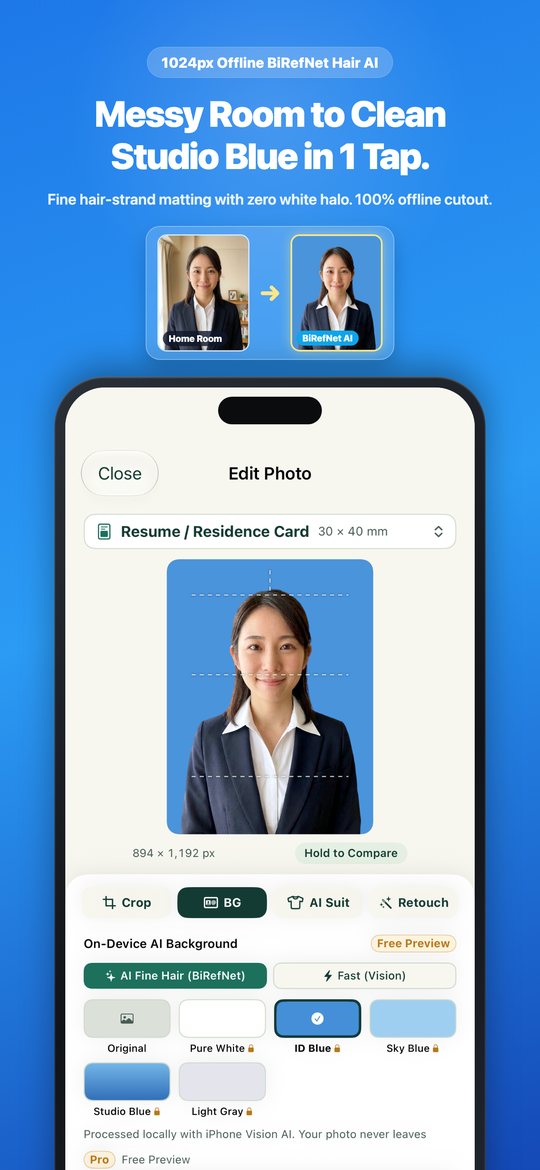
| Background, Attire & Glasses | Plain white or light blue background; neat casual for exam, business suit for official registration |
| Recency Requirement | Clear color photo taken within 3–6 months prior to filing |
| L-Size & 4×6 Sheet Tiling | 4 copies on Japan L-size (¥30–40) / 6 copies on 4×6 in (4R) |
Common Rejection Mistakes & How to Avoid Them
- Uploading raw iPhone HEIC files instead of standard JPEG
- Bookshelves, door frames, or heavy shadows visible behind you
- Over-edited filter images failing exam-day ID verification
🛠️ Resize & Compress Free in Your Browser (Zero Upload)
Crop to exact 30 × 40 mm (480 × 640 px (3:4 JPEG)) and compress under the KB cap locally in your browser. For AI background replacement, 12 formal AI suits, and ¥30 konbini sheets, get the app.
Frequently Asked Questions
What if my photo exceeds the Gyoseishoshi file size limit?
Use our free browser resizer below and set the KB cap to 500KB to export a clean, upright JPEG.
Does it convert iPhone HEIC automatically?
Yes—both our web resizer and iOS app output standard GPS-stripped JPEGs.