
30 × 40 mm · 480 × 640 px (3:4 JPEG)
JLPT Photo Size & MyJLPT Online Upload Guide (N1–N5)
Your MyJLPT upload photo is printed directly on both your test voucher and official JLPT Certificate. Crop to clean 3:4 JPEG below for free, or polish background & attire in our app.
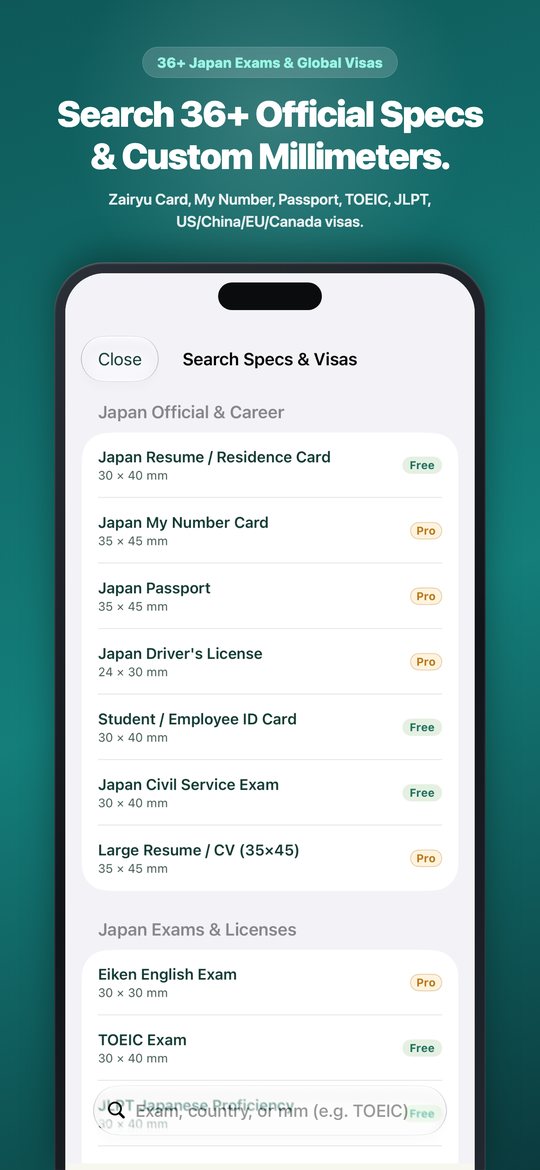
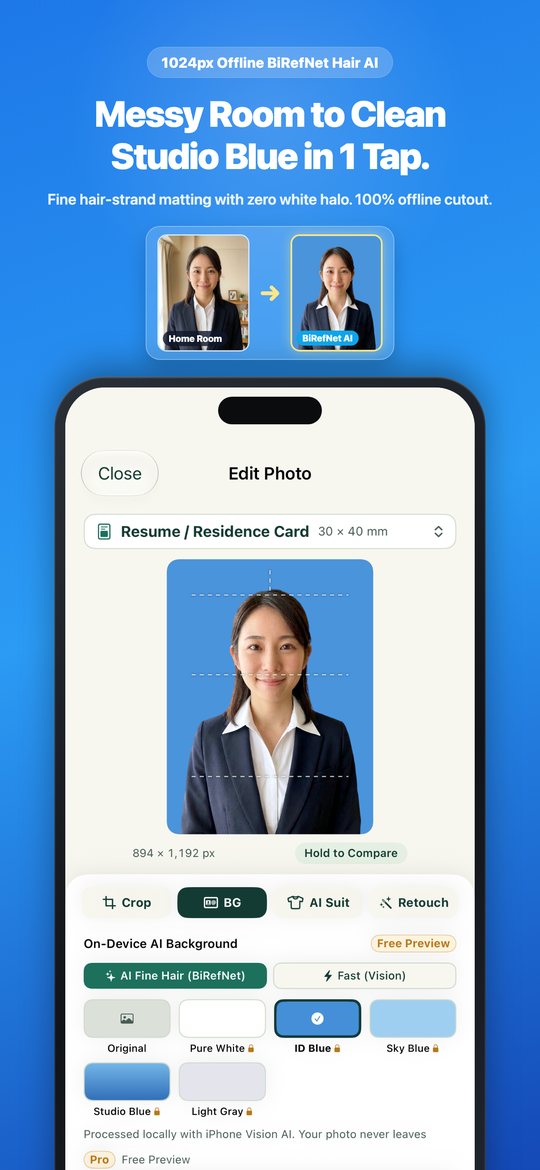
Official Photo Specifications Summary
| Physical Print Size | 30 × 40 mm |
|---|---|
| 300 dpi Print Pixels | 354 × 472 px |
| Online / Digital Upload Spec | Standard JPEG, 3:4 vertical ratio (480×640 to 600×800px), under 500KB |
| Head Height & Margin Rules | Frontal chest-up shot, no hat, full head and shoulders clearly visible |
| Background, Attire & Glasses | Plain white or light blue background; neat shirt or formal attire recommended since it appears on your certificate |
| Recency Requirement | Taken within 6 months prior to registration |
| L-Size & 4×6 Sheet Tiling | 4 copies on Japan L-size (¥30–40) / 6 copies on 4×6 in (4R) |
Common Rejection Mistakes & How to Avoid Them
- Uploading landscape or square images that distort or crop your face on MyJLPT
- Uploading HEIC/PNG or oversized raw camera files
- Dark backlit rooms or cluttered backgrounds looking muddy on the printed certificate
🛠️ Resize & Compress Free in Your Browser (Zero Upload)
Crop to exact 30 × 40 mm (480 × 640 px (3:4 JPEG)) and compress under the KB cap locally in your browser. For AI background replacement, 12 formal AI suits, and ¥30 konbini sheets, get the app.
Frequently Asked Questions
Does JLPT require a white background?
Plain white or light blue without patterns or shadows is accepted; pure white prints cleanest on certificates.
Why did MyJLPT reject my iPhone photo?
Usually due to HEIC format, wrong aspect ratio, or oversized file. Use our free resizer below to export a clean 480×640px JPEG under 500KB.