
30 × 40 mm · 480 × 640 px (3:4 JPEG)
Hoikushi Exam ID Photo Size (40×30mm) — Online & Print Guide
Hoikushi online registration requires a clean vertical 3:4 JPEG while mail applications use 40×30mm prints. Generate both from home in minutes.
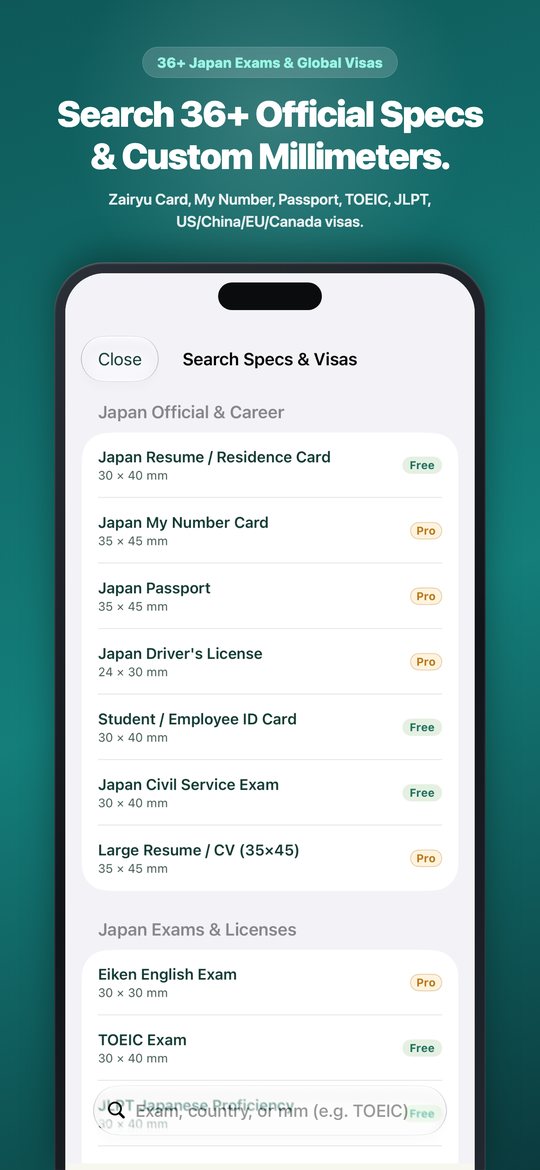
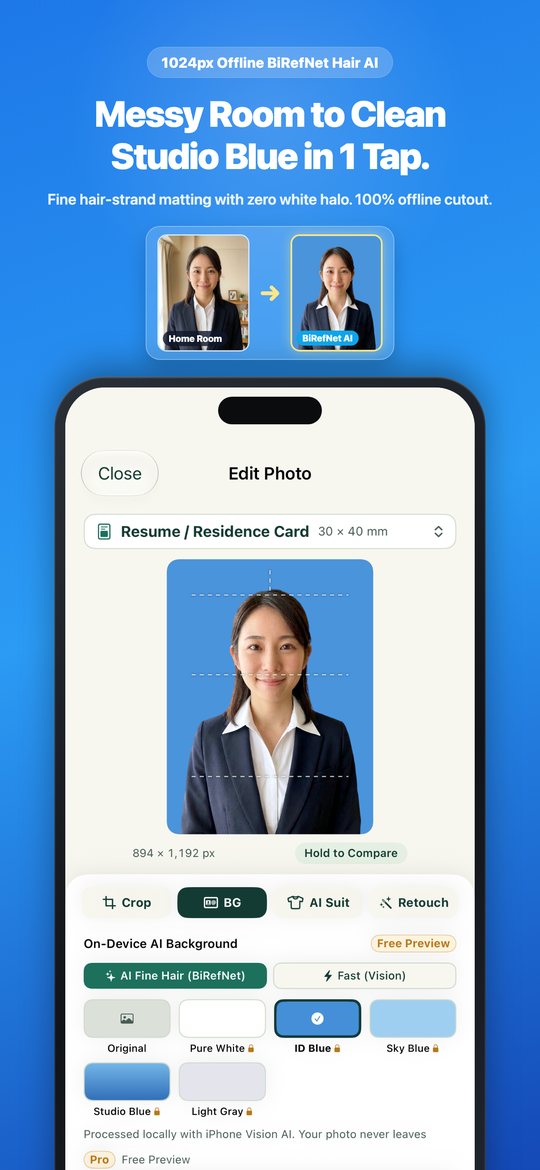
Official Photo Specifications Summary
| Physical Print Size | 30 × 40 mm |
|---|---|
| 300 dpi Print Pixels | 354 × 472 px |
| Online / Digital Upload Spec | JPEG format, 4:3 vertical ratio (480×640px recommended), under 500KB |
| Head Height & Margin Rules | Frontal head-and-shoulders shot, no hat, clear contrast against background |
| Background, Attire & Glasses | Plain single-color background; neat casual, blouse, or suit |
| Recency Requirement | Color photo taken within 6 months prior to application |
| L-Size & 4×6 Sheet Tiling | 4 copies on Japan L-size (¥30–40) / 6 copies on 4×6 in (4R) |
Common Rejection Mistakes & How to Avoid Them
- Patterned wallpaper or household clutter visible in background
- Multi-megabyte phone photo failing upload size caps → compress to 500KB below
- Heavy beauty filters distorting facial identity
🛠️ Resize & Compress Free in Your Browser (Zero Upload)
Crop to exact 30 × 40 mm (480 × 640 px (3:4 JPEG)) and compress under the KB cap locally in your browser. For AI background replacement, 12 formal AI suits, and ¥30 konbini sheets, get the app.
Frequently Asked Questions
Are smartphone photos accepted for Hoikushi online filing?
Yes—provided the image is sharp, frontal, plain-background, and 3:4 JPEG.
How do I fix a cluttered room wall?
Use Ouchi ID Photo's on-device AI background cutout to switch cleanly to pure white or light blue.