
35 × 45 mm · 413 × 531 px (≤500KB)
Australia Visa & ImmiAccount Photo Guide (35×45mm)
ImmiAccount submissions for Australia visitor (600), student (500), and working holiday (417/462) visas follow the 35×45mm standard (head 32–36mm, plain light background, no glasses).
Official Photo Specifications Summary
| Physical Print Size | 35 × 45 mm |
|---|---|
| 300 dpi Print Pixels | 413 × 531 px |
| Online / Digital Upload Spec | ImmiAccount accepts 35:45 JPEG up to 5MB (under 500KB uploads fastest and cleanest) |
| Head Height & Margin Rules | Crown to chin 32–36mm; frontal, neutral closed-mouth expression, eyes clearly visible |
| Background, Attire & Glasses | Plain white or very light gray background (no patterns/shadows); remove glasses |
| Recency Requirement | Color photo taken within 6 months prior to lodgement |
| L-Size & 4×6 Sheet Tiling | 4 copies on Japan L-size (¥30–40) / 4 copies on 4×6 in (4R) |
Common Rejection Mistakes & How to Avoid Them
- Wearing glasses with glare or frames near eyes
- Curtains, door frames, or uneven facial shadows in the background
- Raw HEIC files or low-res messenger-compressed screenshots
🛠️ Resize & Compress Free in Your Browser (Zero Upload)
Crop to exact 35 × 45 mm (413 × 531 px (≤500KB)) and compress under the KB cap locally in your browser. For AI background replacement, 12 formal AI suits, and ¥30 konbini sheets, get the app.
Frequently Asked Questions
Can I shoot my Australia Working Holiday visa photo at home?
Yes—take a sharp, glasses-free frontal photo on a light background and crop to 35×45mm JPEG below.
How do I remove wall shadows cleanly?
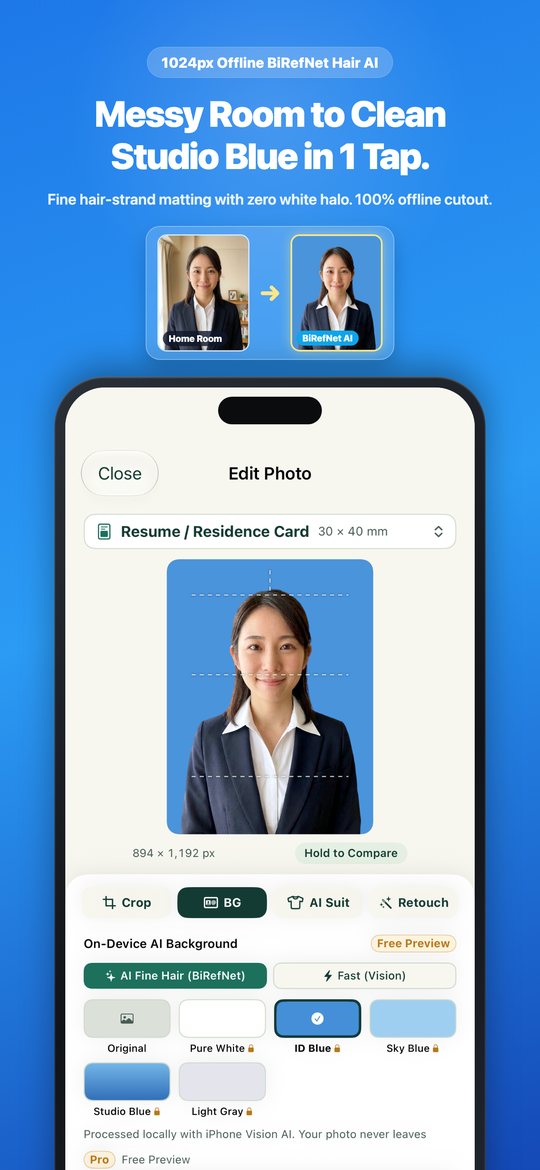
Use Ouchi ID Photo's on-device 1024px AI background replacement to switch to shadow-free white or light gray.
Related ID Photo Specs & Guides
US Visa (DS-160), Passport & DV Lottery Photo (2×2 in / 51×51mm)
51×51mm · 600 × 600 px (≤240KB)
China Visa Photo (33×48mm · COVA Online)33×48mm · 354 × 472 px (40〜120KB)
China Passport Photo (Chinese Consular App · 33×48mm)33×48mm · 354 × 472 px (40〜120KB)
South Korea Visa, K-ETA & ARC Photo (35×45mm)35×45mm · 413 × 531 px (≤500KB)