
How to Print ID Photos at 7-Eleven Japan for ¥40 (Avoid the ¥200 Button)
7-Eleven Japan multi-copy machines charge ¥200 for the built-in ID Photo menu, yet print on the exact same L-size photo paper as regular Photo Print for ¥40. Pre-tile your photos in Ouchi ID Photo and save 80% instantly.
Japan ID Photo Cost Comparison (4–6 Photos)
| Method | Cost | Photos | Notes |
|---|---|---|---|
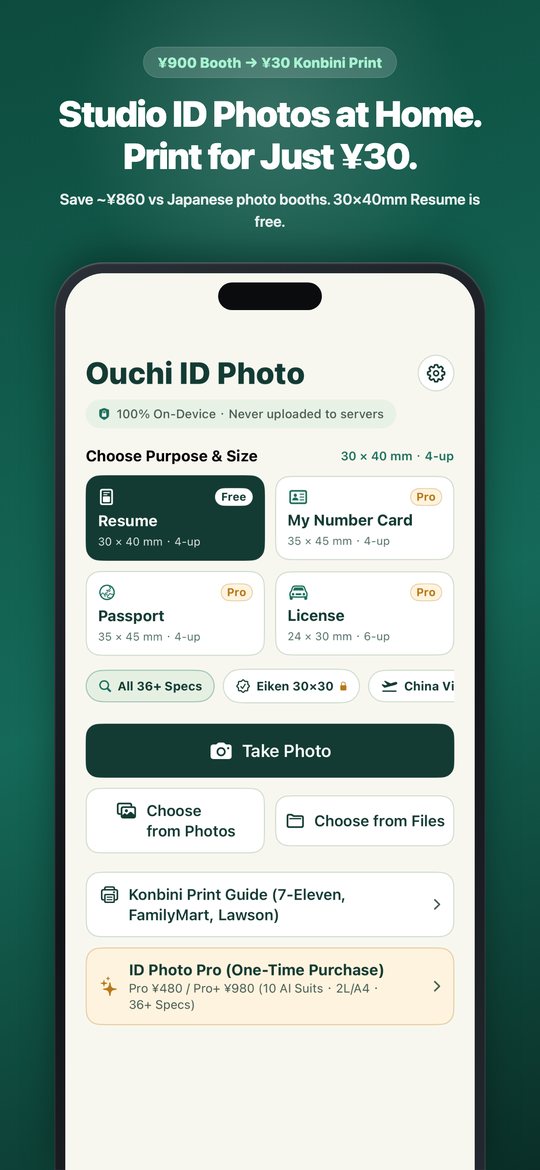
| Ouchi ID Photo + FamilyMart / Lawson (L-size) | ¥30 | 4–6 | Cheapest option via PrintSmash / Network Print |
| Ouchi ID Photo + 7-Eleven (L-size) | ¥40 | 4–6 | Most locations; upload via Kantan netprint / MultiCopy |
| Konbini built-in ID Photo menu | ¥200 | 2–4 | 5× price for the exact same L-size paper |
| Street photo booth | ¥800–1,000 | 4–6 | Limited retakes, no AI suit replacement |
4 Simple Steps at 7-Eleven Japan
1
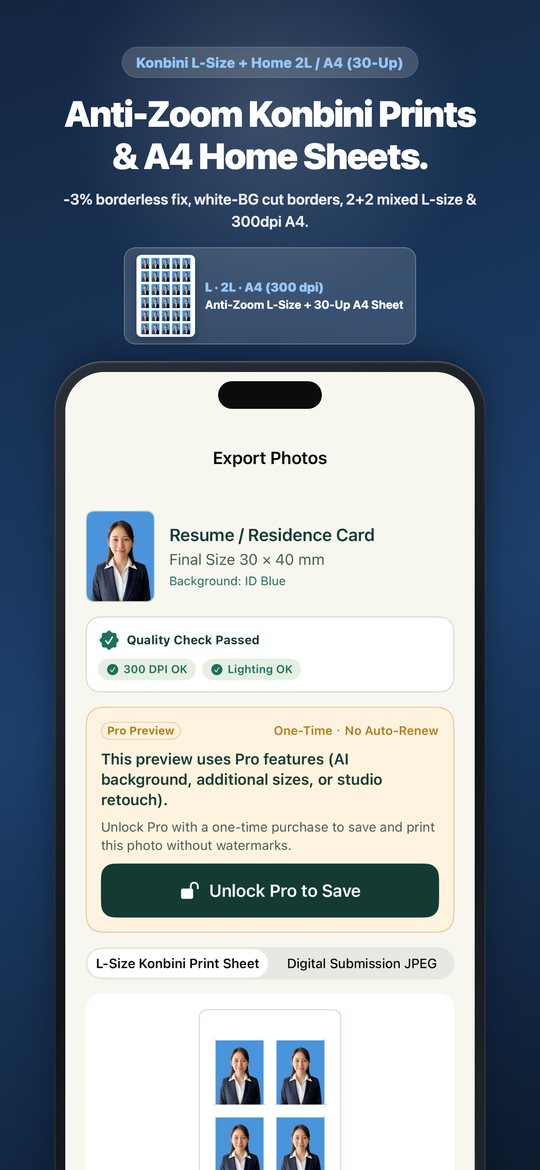
Export an L-size sheet with -3% borderless compensation ON
Prevents 7-Eleven's borderless auto-zoom from enlarging your face beyond official mm limits.
2
Upload to the free 'Kantan netprint' or 'MultiCopy' app
No account required—get an 8-digit code or connect directly via Wi-Fi in-store.
3
Select 'Photo Print (L-size · ¥40)'—NOT 'ID Photo (¥200)'
Confirm L-size (89×127 mm) and pay ¥40 by coin or nanaco.
4
Cut cleanly along the faint trim guides
Ready for Zairyu Card, Rirekisho resume, My Number, or visa applications.